
OneEcosystem IMAの皆様、
Thank you for your continued support of ONEJAPAN.
We have received multiple inquiries, so we have created a manual. Below is a guide on how to register for ONEJAPAN.
ONEJAPAN Supporter Membership Site and click Register.
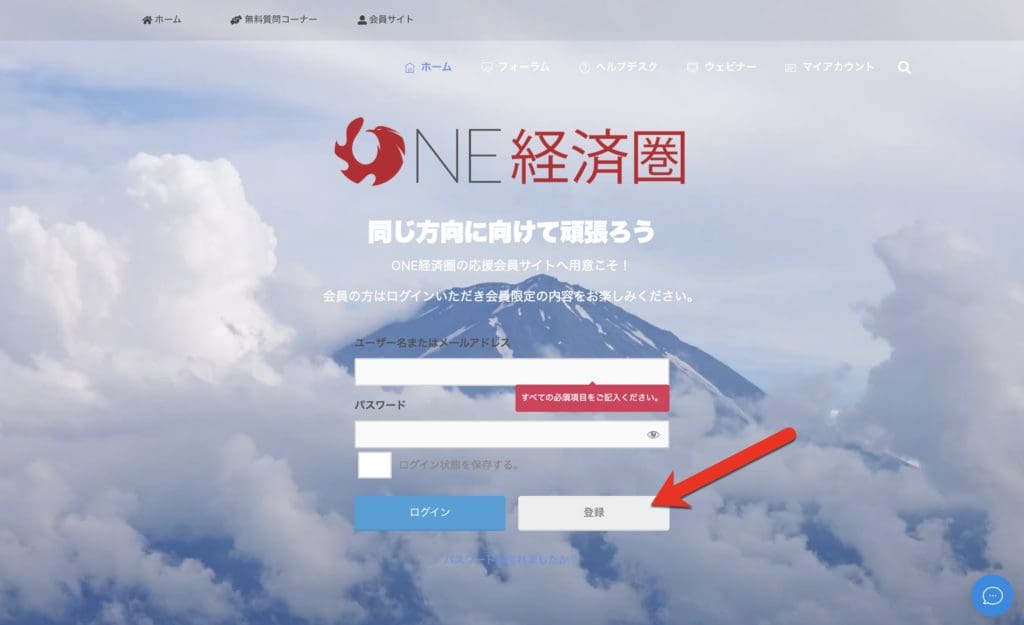
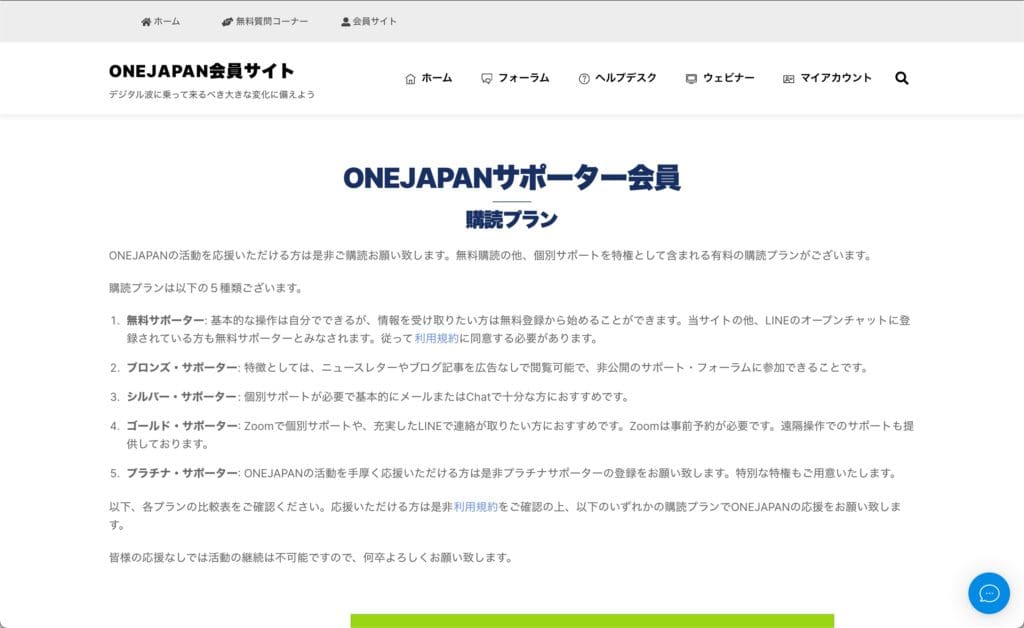
Please check the terms of use and the contents of each plan before clicking the registration button. If you have any questions, please feel free to contact us.
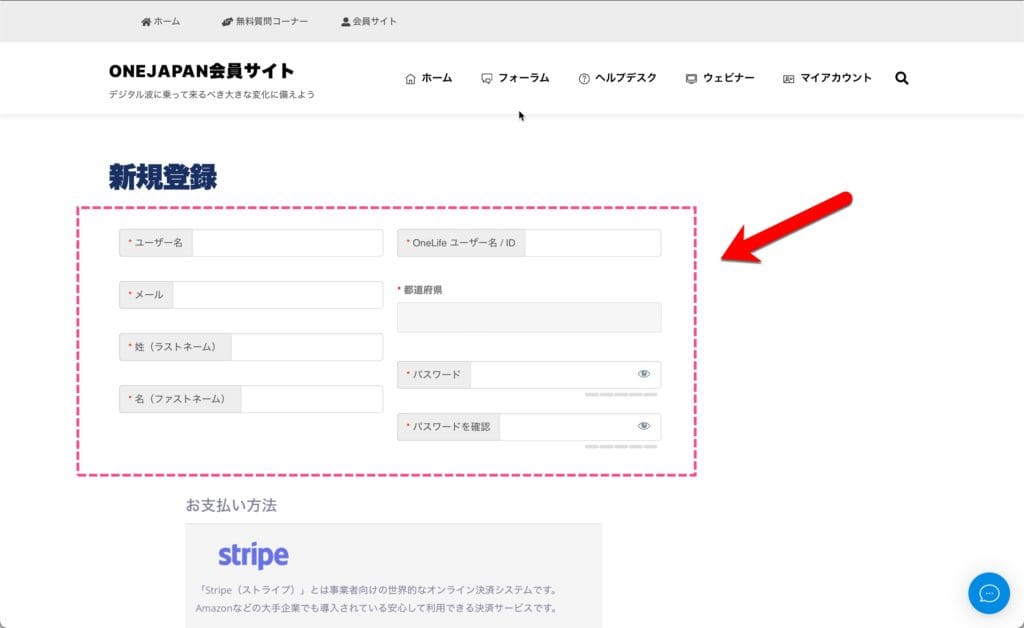
Since card payment is made via Stripe, card information is not sent or recorded to ONEJAPAN.
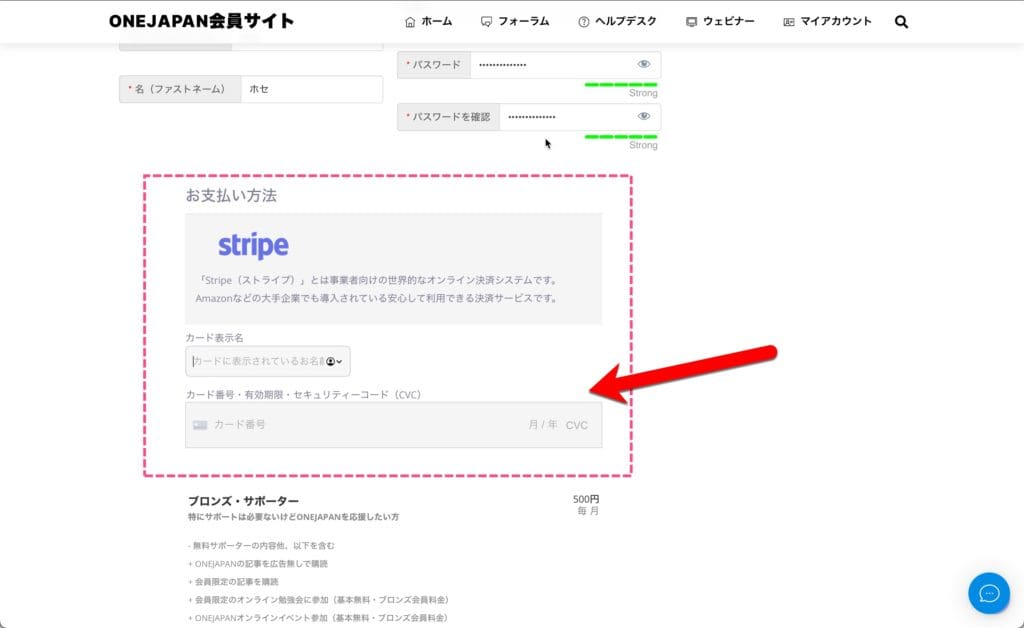
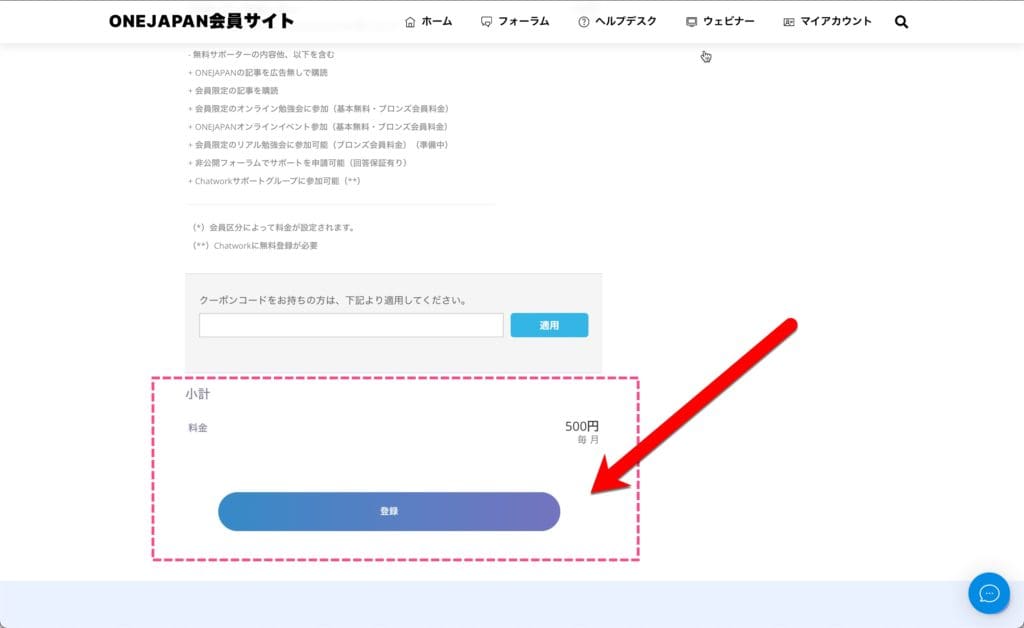
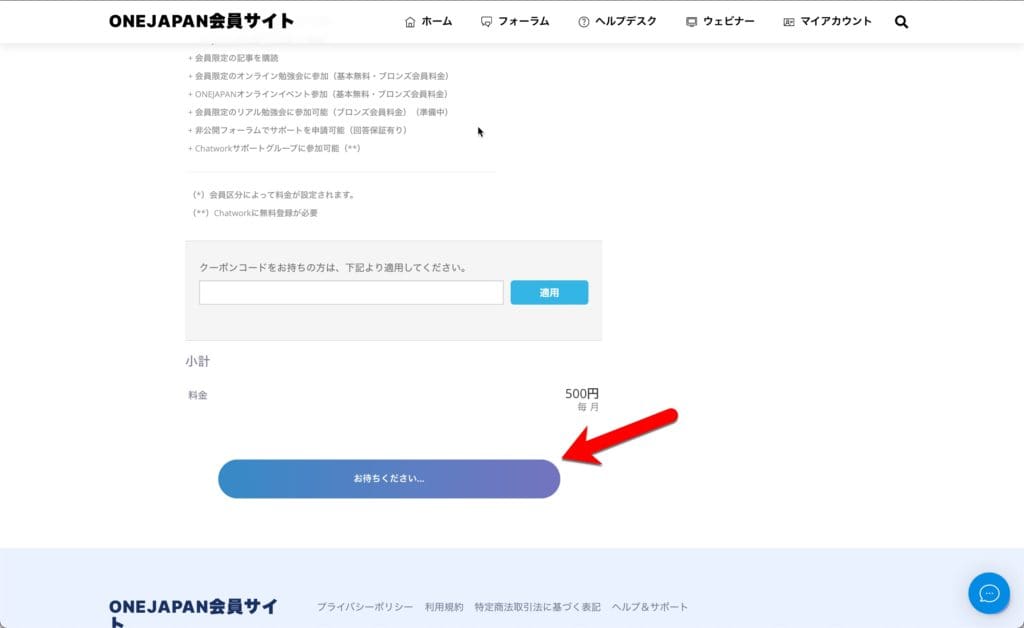
Please note that if you click the button again while the "Please wait" message is displayed, the card payment may be made for the amount of the click. Please contact us if you made a mistake in your card payment. The refund amount will be the amount after deducting the card transaction fee.
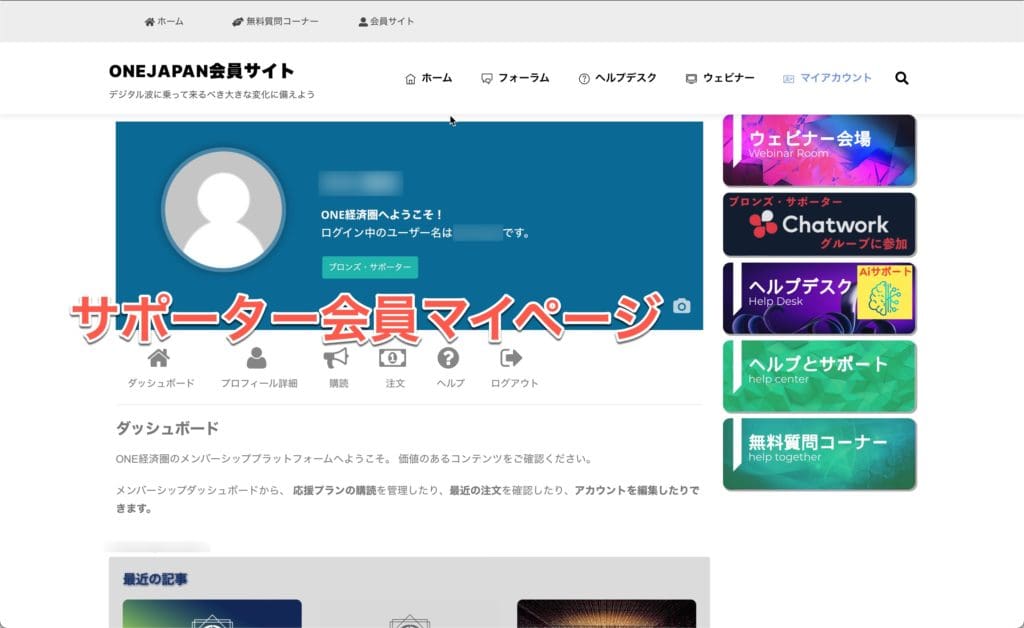
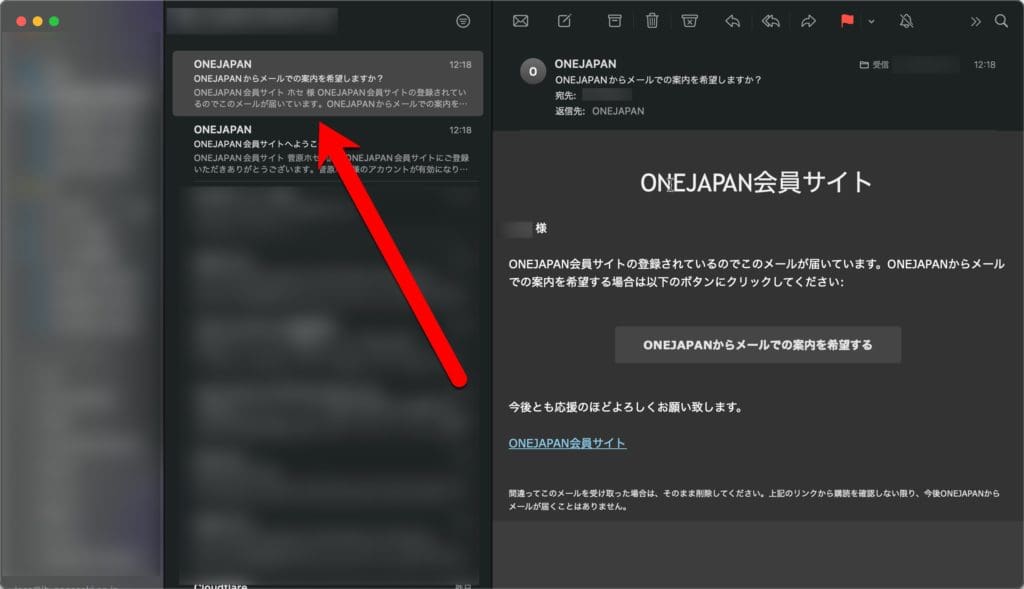
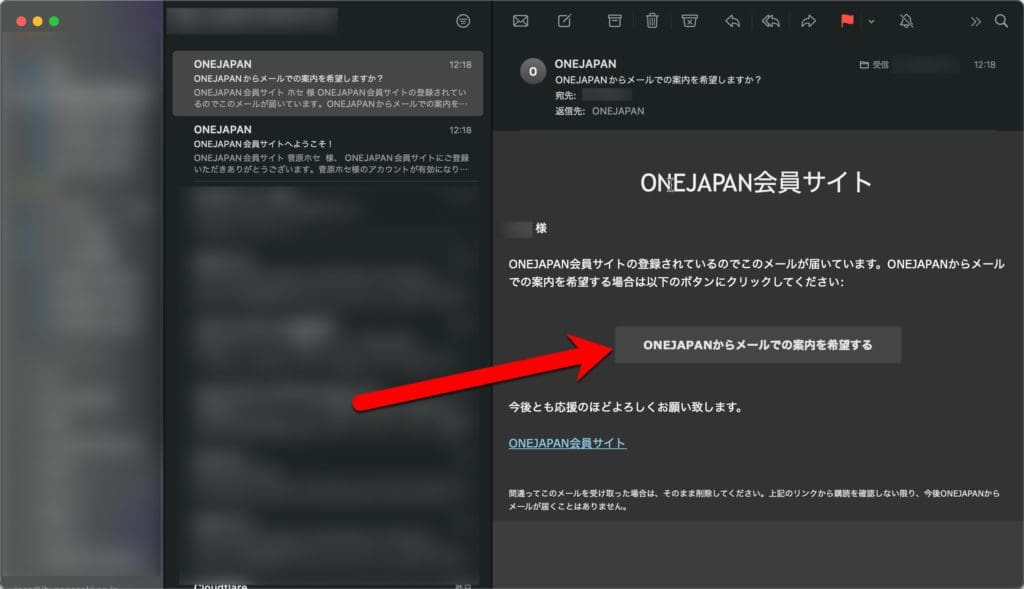
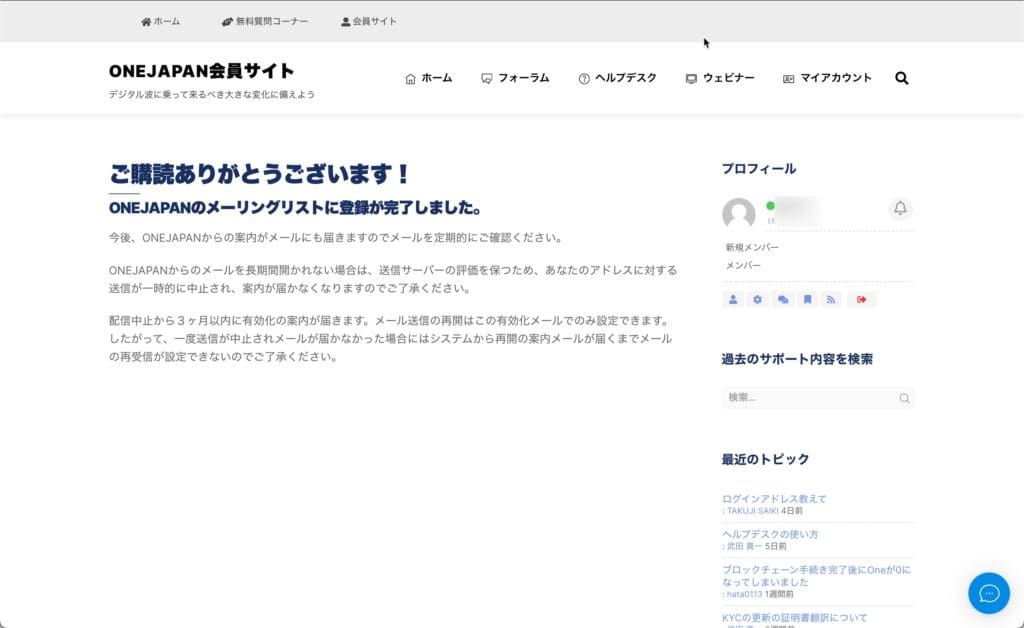
This completes the registration process. From My Page, you can check support, check the latest articles, manage member registration, etc. You can also subscribe to ONEJAPAN e-mails. If you would like to subscribe to e-mail, please refer to the following steps (7).
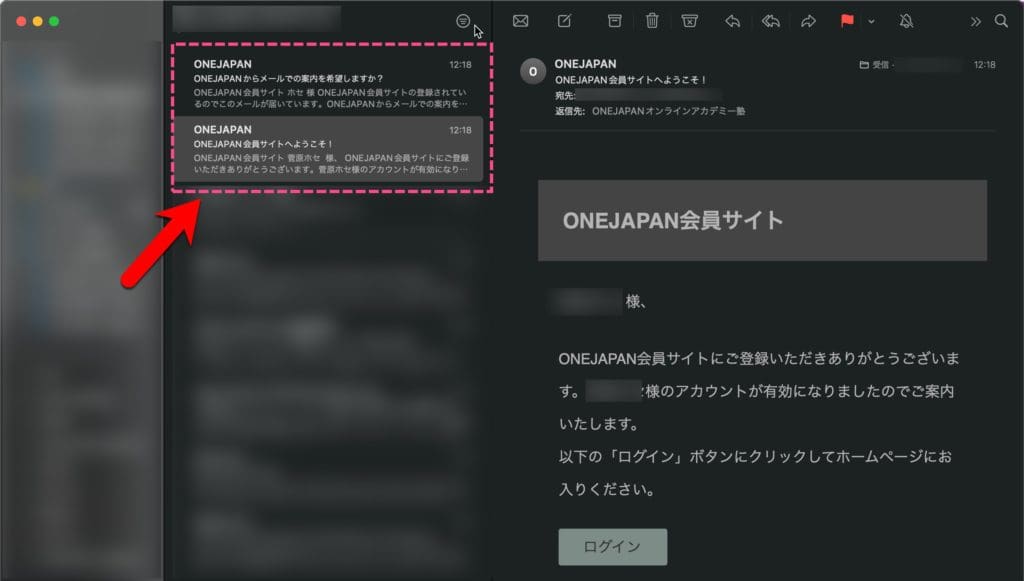
"Welcome to the ONEJAPAN member site!" and "Would you like to receive e-mail information from ONEJAPAN?" You will receive two types of emails.
If you have any questions, please feel free to contact us.


































 Copyright © 2020 – 2026 All Rights Reserved


 Copyright © 2026 All Rights Reserved
Need help? Please contact our help desk.