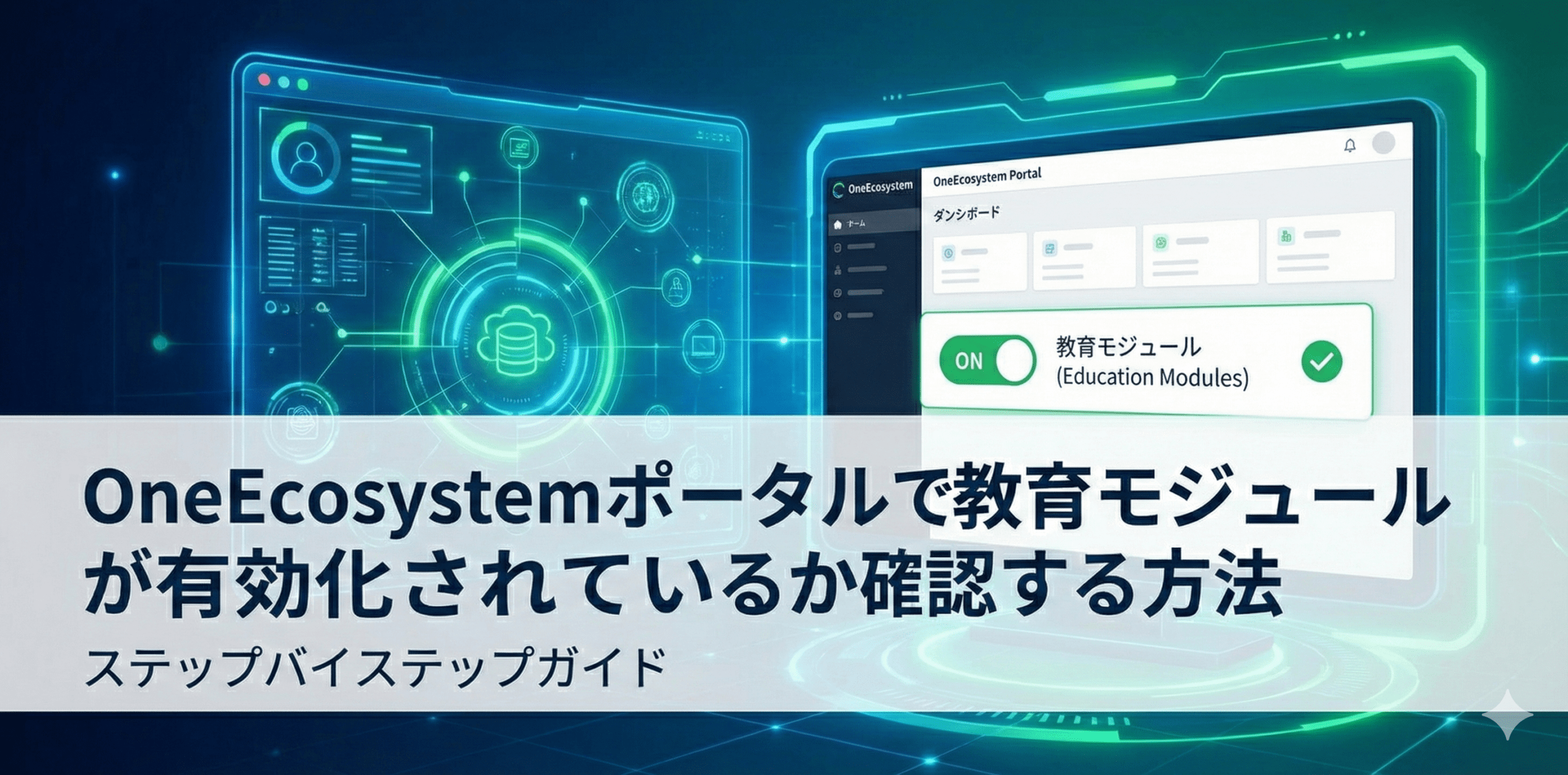
The digital interface shows a computer screen with a One Ecosystem portal and a checklist against a futuristic tech graphic background, displaying Japanese text explaining how to check if the educational modules are active.

How to check if an education module is enabled in the OneEcosystem portal

* If you are a Bronze member or above, you can read the following articles without advertisements.
The digital interface shows a computer screen with a One Ecosystem portal and a checklist against a futuristic tech graphic background, displaying Japanese text explaining how to check if the educational modules are active.

We'll walk you through how to check if your educational modules are active on the OneEcosystem member portal, and how to tell your status based on whether modules other than Rookie are shown.

You can check the answers from the free Q&A corner at the link below.
https://members.one-japan.net/80099/#comment-515


Questions about the above article

Questions related to the above article require a subscription of Bronze Supporter or higher.
Please log in or sign up.
Sign up
Stylized red and gray logo featuring a 3D geometric design with overlapping shapes. Copyright © 2020 – 2026 All Rights Reserved

Providing accurate information to the OneEcosystem community in Japan, sharing knowledge and facilitating member participation and improved experiences.
To the top
magnifiercross

Need help? Please contact our help desk.

0
この記事に関するコメントやご意見お聞かせください。x